Where it is
- Log into Studio at studio.zappost.ai, with the email you bought with; if the access email never arrived, the way out is in I bought and did not receive access.
- Click “My Profile”, at the bottom of the left menu.
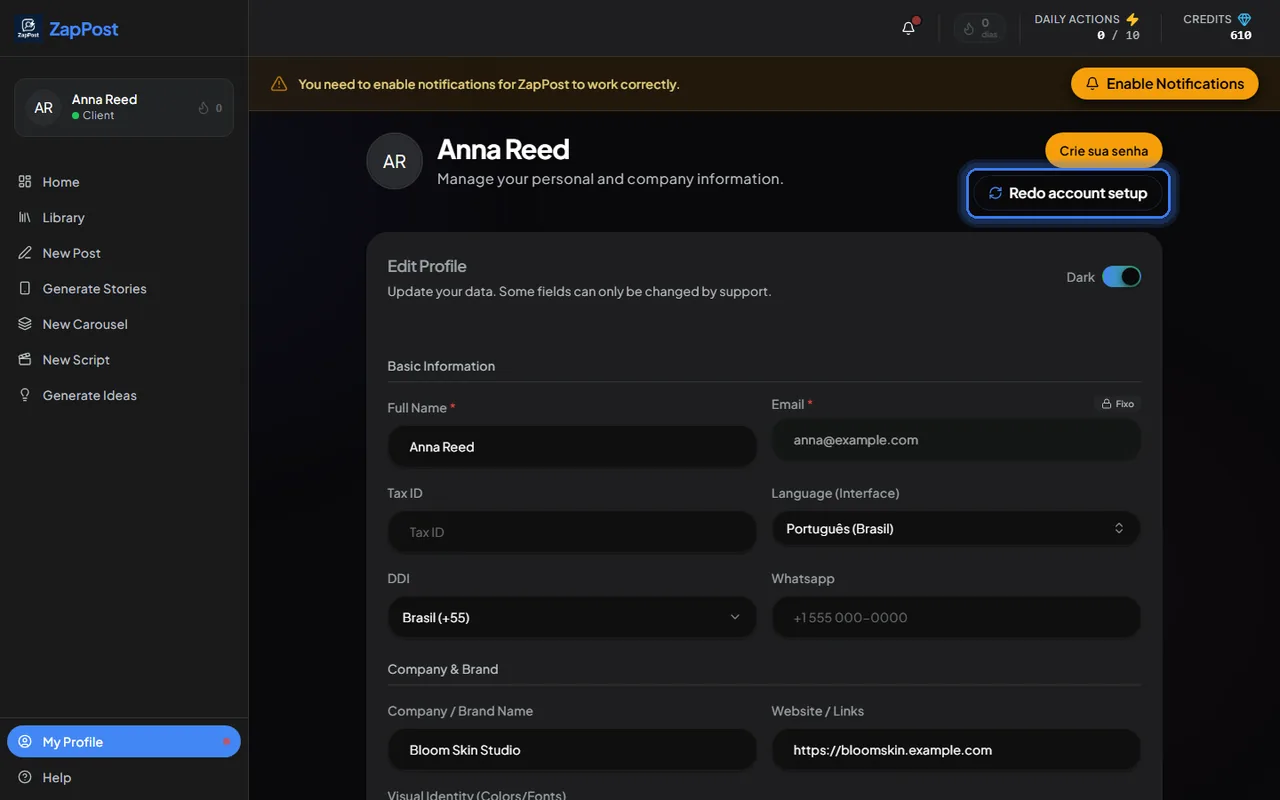
The profile page. The “Redo account setup” button reopens the first-access questions, if you prefer to answer them again from scratch. - Fill in the sections and click “Save Profile” at the end of the page.
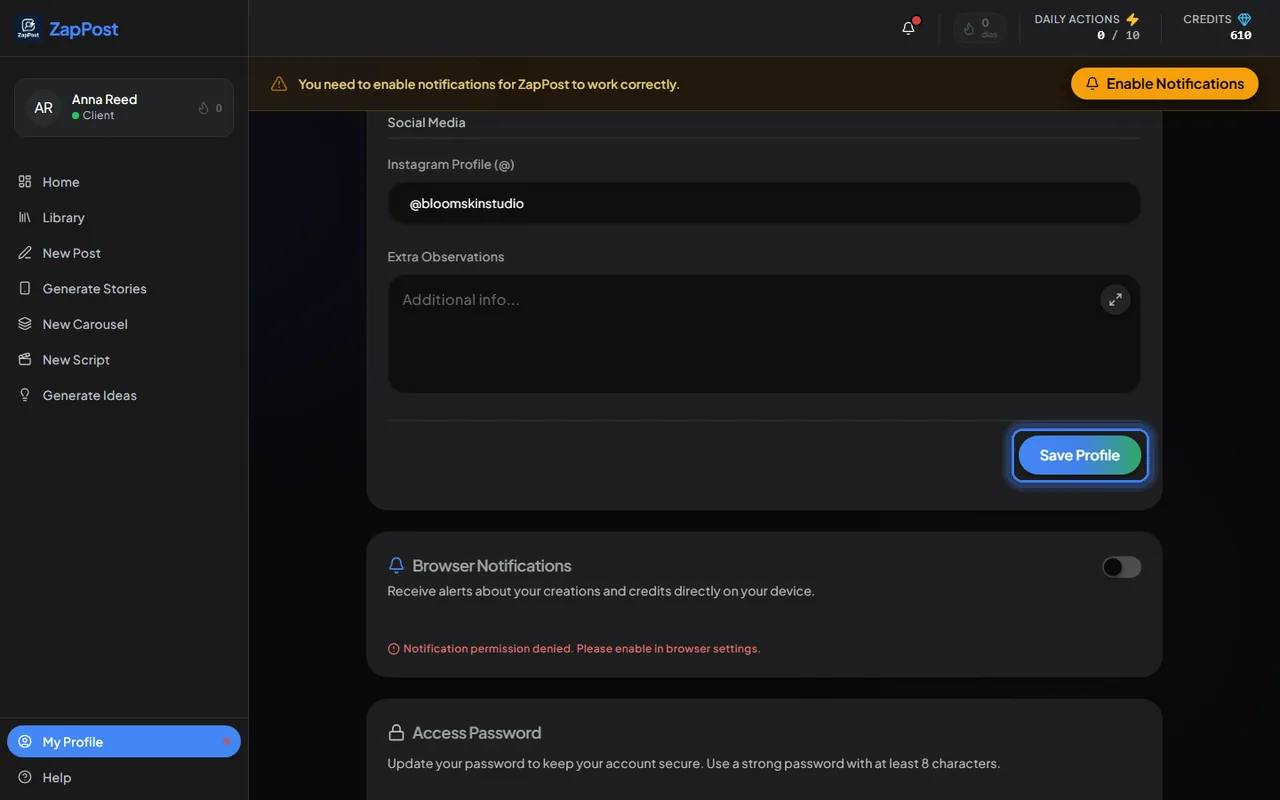
Without clicking “Save Profile” the change does not stick.
What to fill in, and how
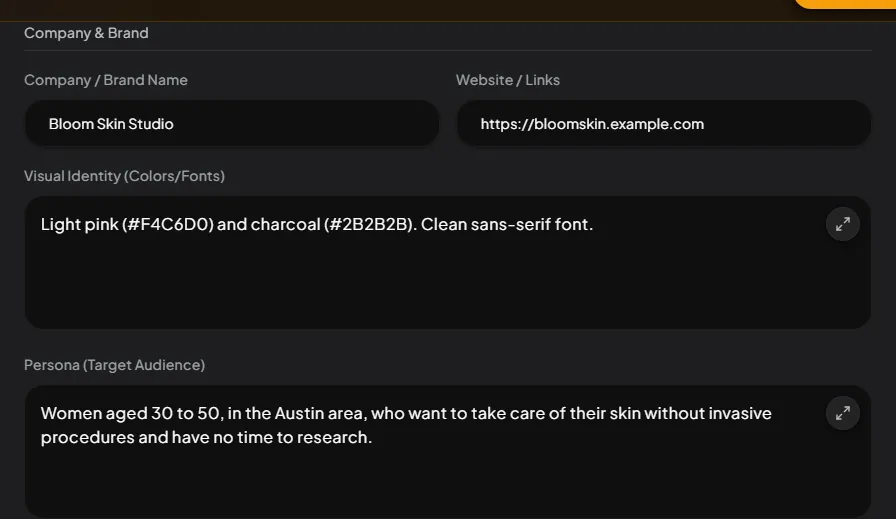
The Company & Brand section holds the brand name, the website, the colors and fonts the AI should respect in images, the persona (who your customer is) and whether the logo goes on the posts.
The Content section is the one that changes the result the most:
- Niche / Category: be specific. “Clinical nutritionist, female weight loss without restrictive diets” gets you much more than “health”.
- Content Pillars: the themes you always want to post about.
- Forbidden Themes: what the AI must never touch. A competitor’s name, a technical term your audience does not know, a subject that does not fit the brand.
- Business Overview: a summary of what you do, for whom, and what you sell. This is where the examples and offers inside the posts come from.
- Objectives: sell more, gain followers, fill the schedule. It changes the CTA of everything that comes out.
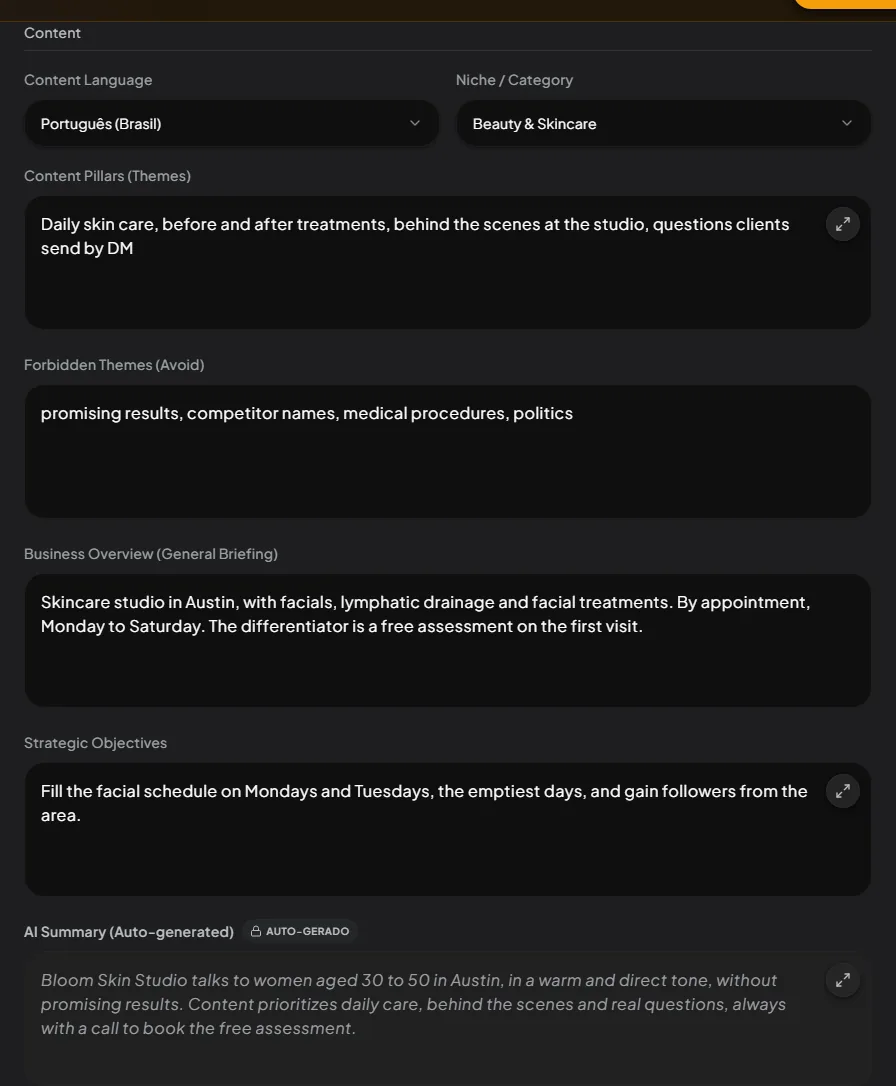
If the content is coming out generic, most of the time one of these fields is empty. See the content came out generic, what do I do.
Other things that live in the profile
- Interface language (the language of the buttons) and content language (the language of the posts) are separate fields.
- Access password: you can change it there, without going through “Forgot my password”.
- Browser notifications: turn them on to get Studio’s alerts.
- Subscription & Plan: the button to buy more credits.
Answer checked on 12 October 2026.