Step by step
- Open studio.zappost.ai/login and click “Forgot my password”, just below the password field.
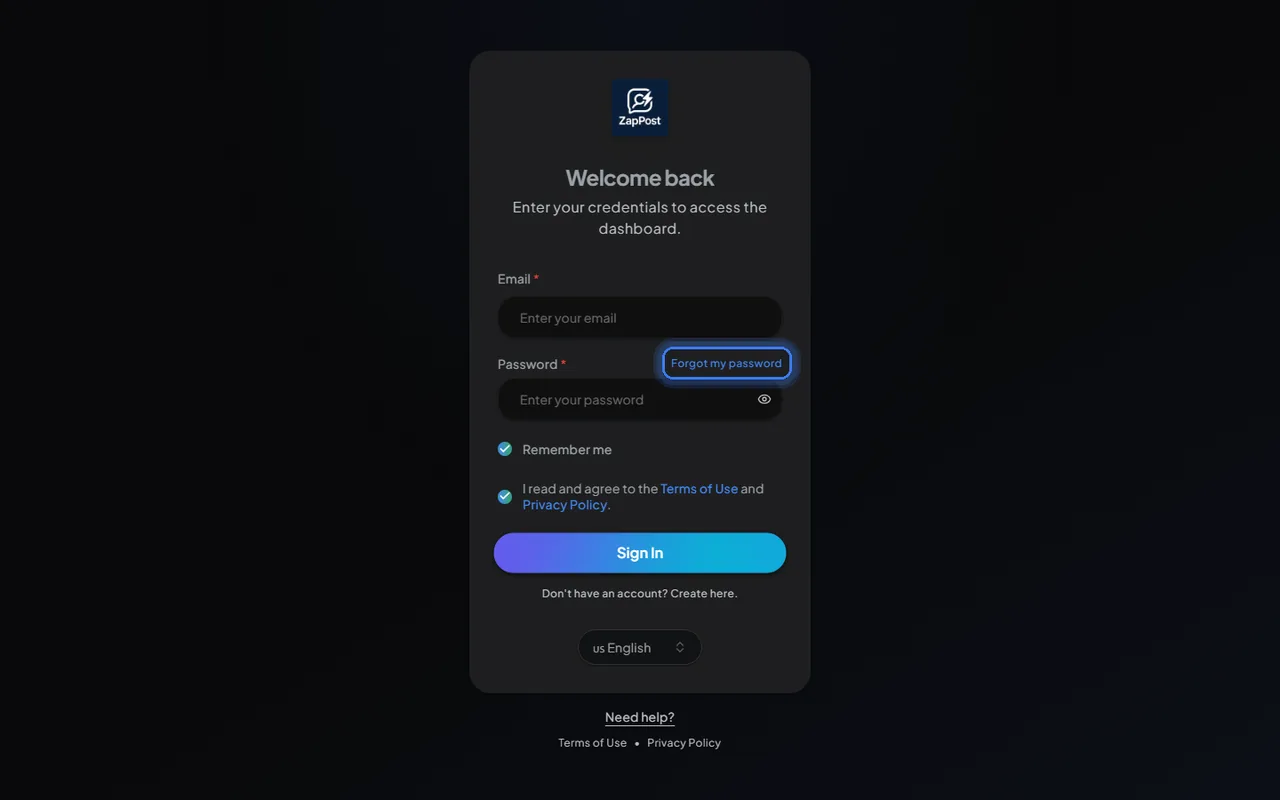
The link sits under the password field. - Type the email you used to buy and click “Send recovery”.
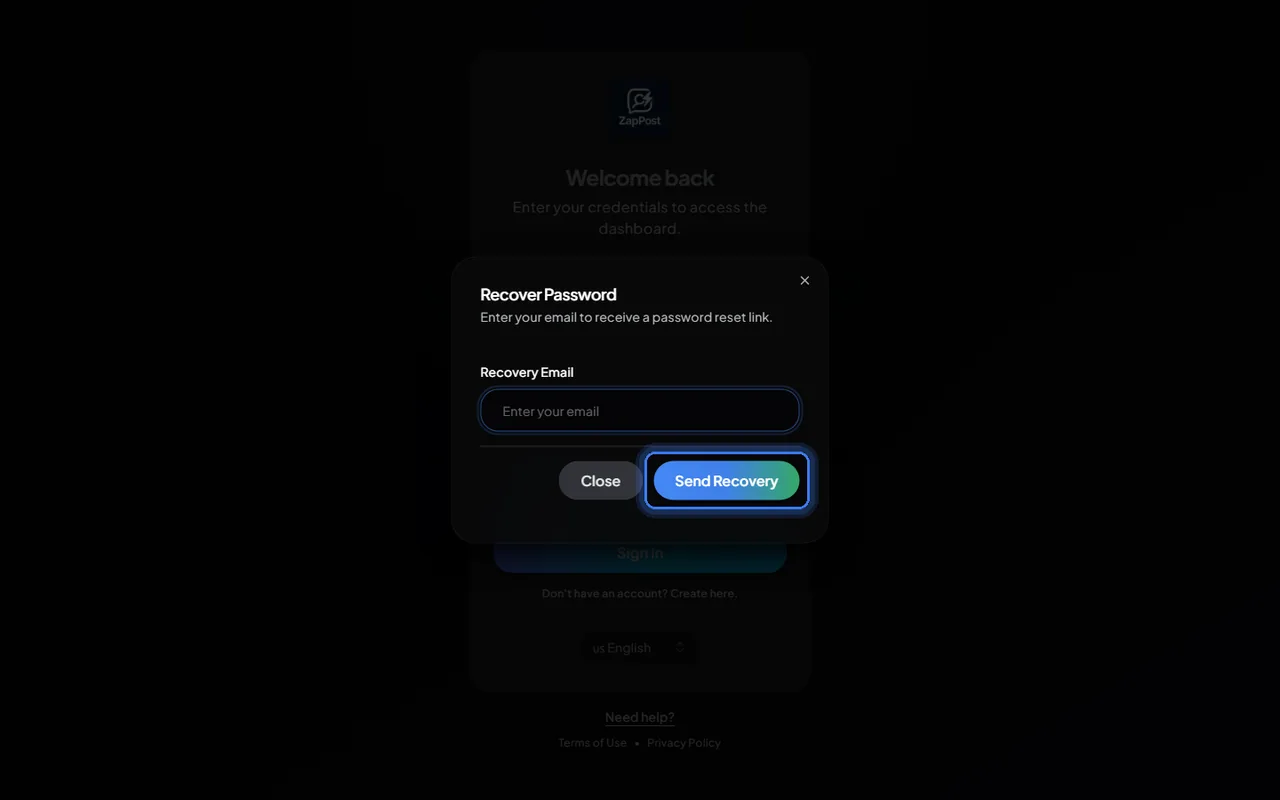
The recovery window asks only for the email. - Open the email that arrived and click the link. It takes you to the screen to create the new password.
- Choose the new password and sign in.
The email did not arrive
- Check the spam folder and the “Promotions” tab, which is where it usually lands.
- Make sure you typed the purchase email. If you used another address on Hotmart, the recovery goes there.
- Wait about five minutes. Some providers delay it.
If it still does not come, write to [email protected] saying which email you used to buy.
Just want to change the password while logged in?
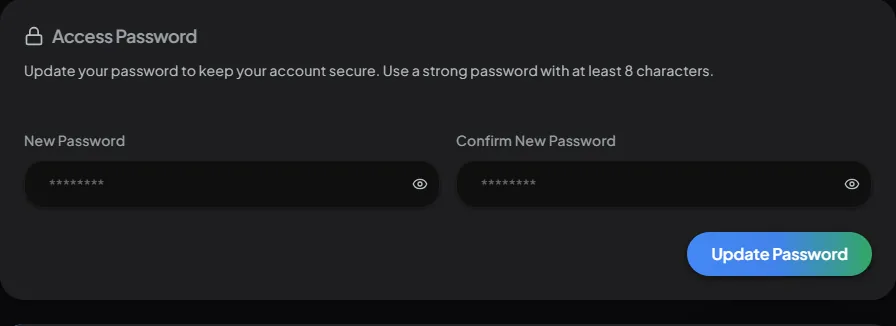
No need to go through this. Go to “My Profile”, scroll to the “Access Password” section, type the new password twice and click “Update Password”.
Answer checked on 31 August 2026.