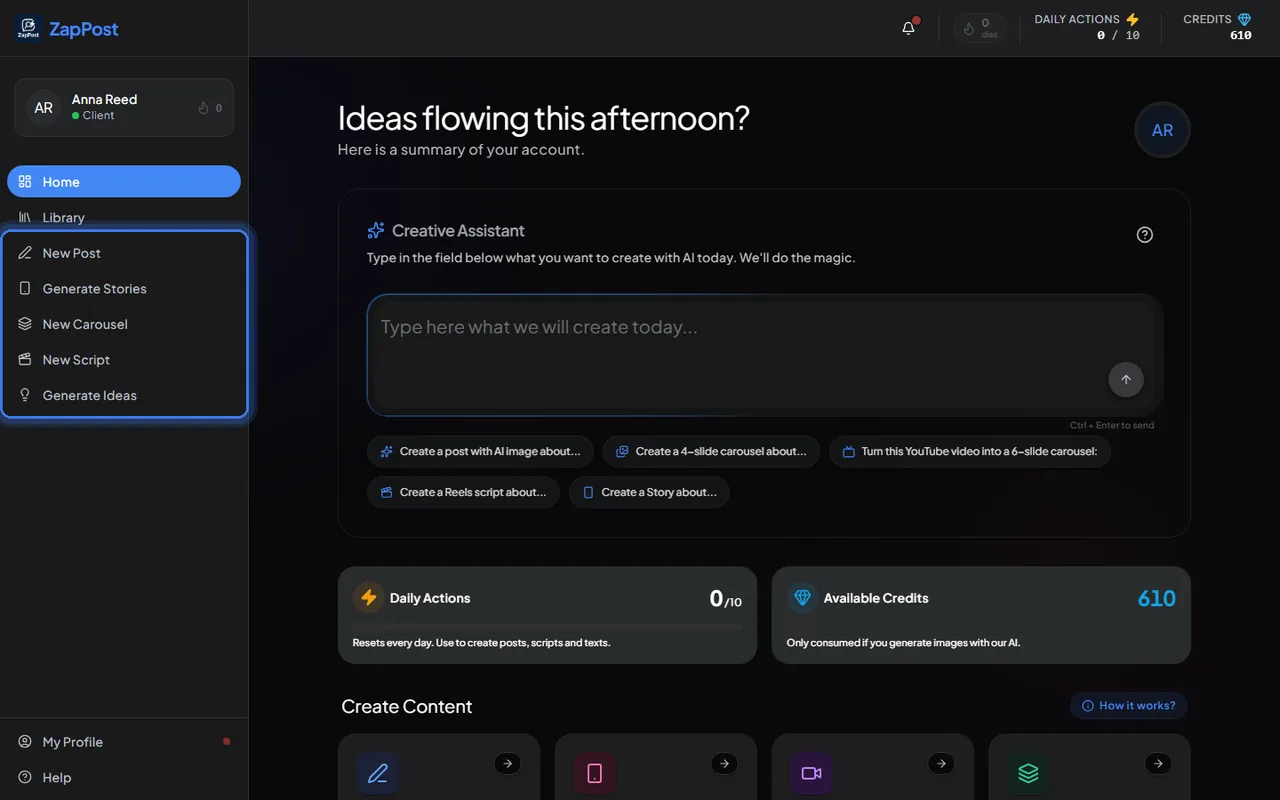
What each one does
- New Post: a complete caption (hook, body, CTA, emojis and hashtags) plus the image. The image can be generated by the AI in one of the ready templates or built from a photo of yours. Costs 1 action and 30 credits with an AI image, or 1 action and 10 credits with your photo. See what the Post Creator does.
- Generate Stories: a vertical story with text and image generated by the AI, or built from a YouTube video. 1 action and 30 credits. See how to create Stories.
- New Carousel: a sequence of slides with text and image on each one, in the number you choose, or built from a YouTube video. 1 action and 30 credits per slide. See how the Carousel Creator works.
- New Script: a video script with hook, body and CTA, for Reels, TikTok, YouTube Shorts, Stories, long YouTube videos or a LinkedIn post. 1 action and no credits. See how the Script Generator works.
- Generate Ideas: a list of topics to post about, from your niche or from a subject you type. Uses no actions or credits. See does the Idea Generator use credits.
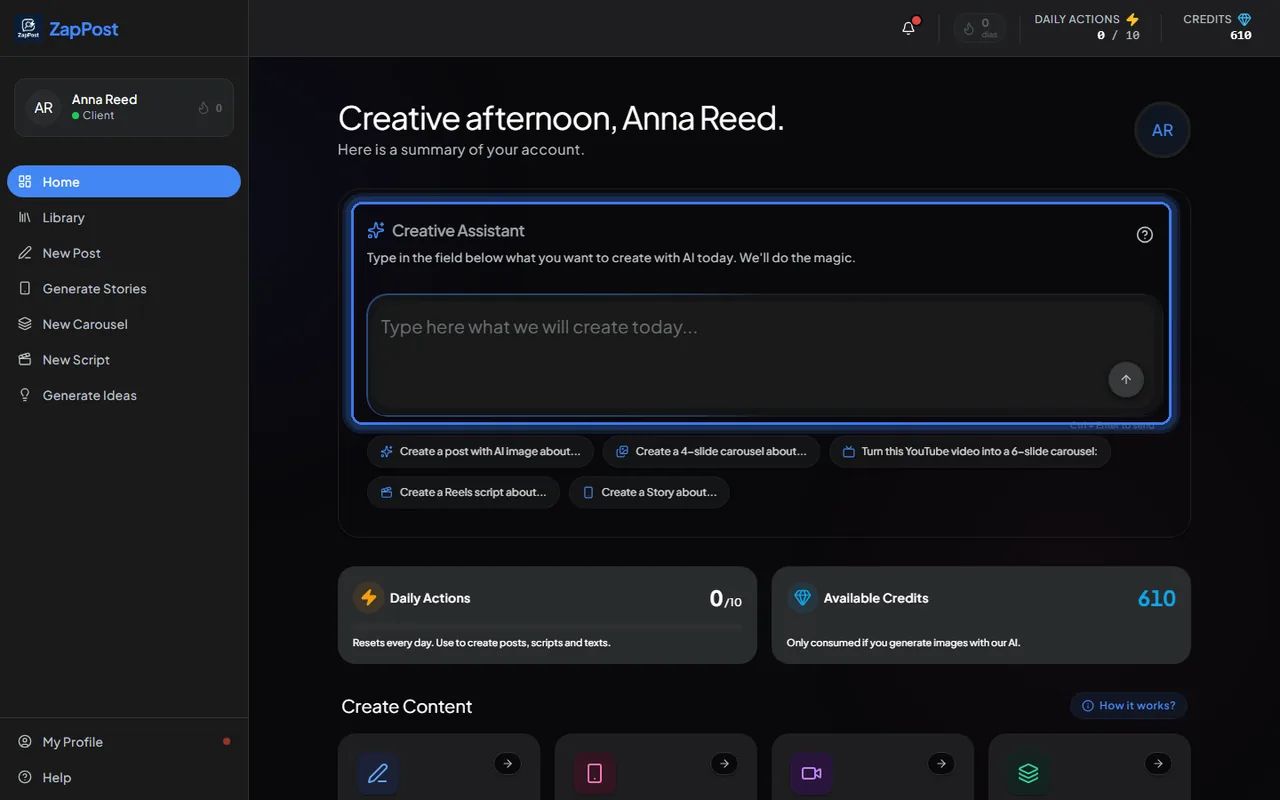
The Creative Assistant
The home screen has a text box. You type what you want (“make a Reels script about 3 mistakes beginners make at the gym”) and it opens the right tool with the options already chosen and the request filled in. It also turns a YouTube video into a carousel: paste the link and ask.
What each one costs
Generating text uses one daily action; generating an image uses credits. The full table, with what happens when the day’s actions run out, is in how daily actions and credits work.
Answer checked on 31 August 2026.