How to use it
- Click “Generate Ideas” in the menu and choose the format of the list.
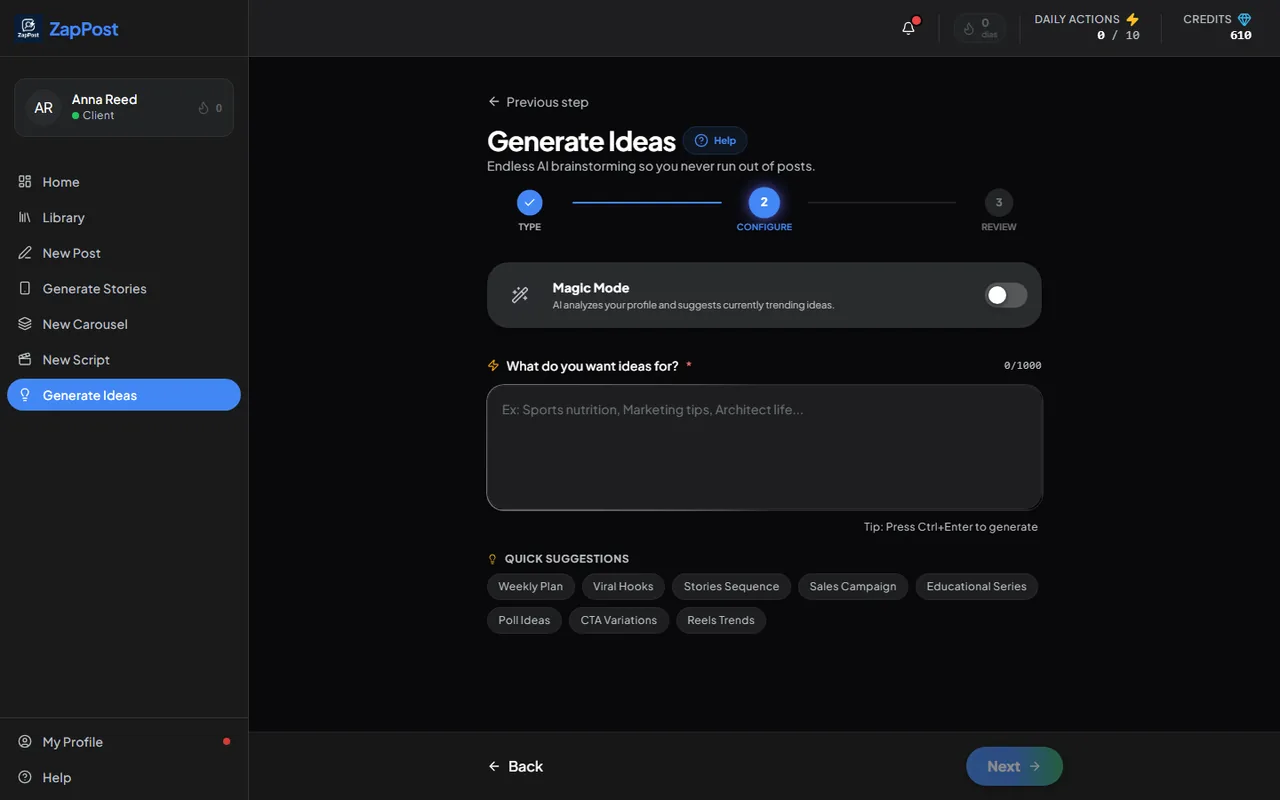
The first step of Generate Ideas. - Type the subject or your customer’s pain (“nutritionist”, “how to bring customers into a street shop”), or turn on Magic Mode and let the AI suggest from your profile.
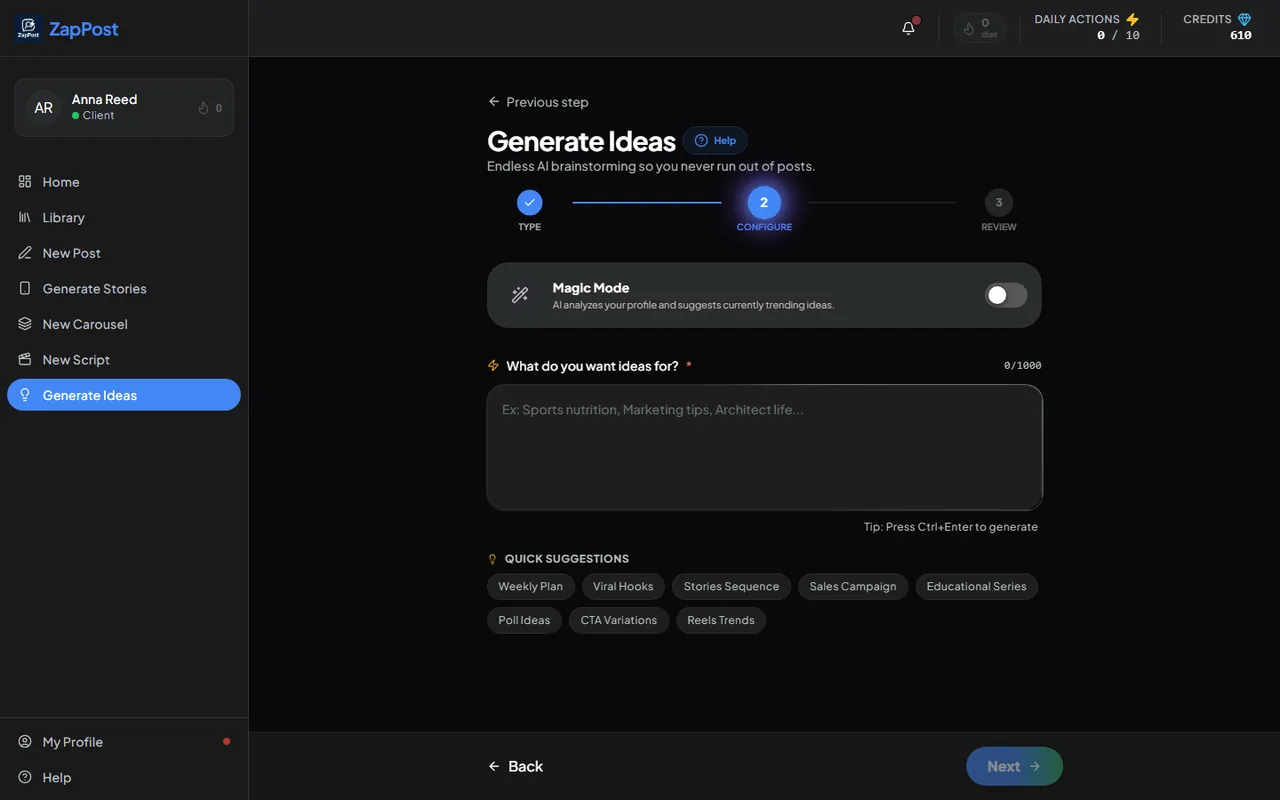
The second step: what you want ideas about. The quick suggestions below help you start. - Generate. Out comes a list of topics ready to turn into a post, carousel or script.
A good way to use it
Generate the ideas on Monday, pick one per day and turn each one into content in the other tools. The week gets planned in a minute, and the day’s actions are saved for what actually costs. Turning those ideas into images is what spends credits, and when the balance runs low you can buy more credits.
The lists are kept in the Library, tagged “Ideas”.
Answer checked on 12 October 2026.