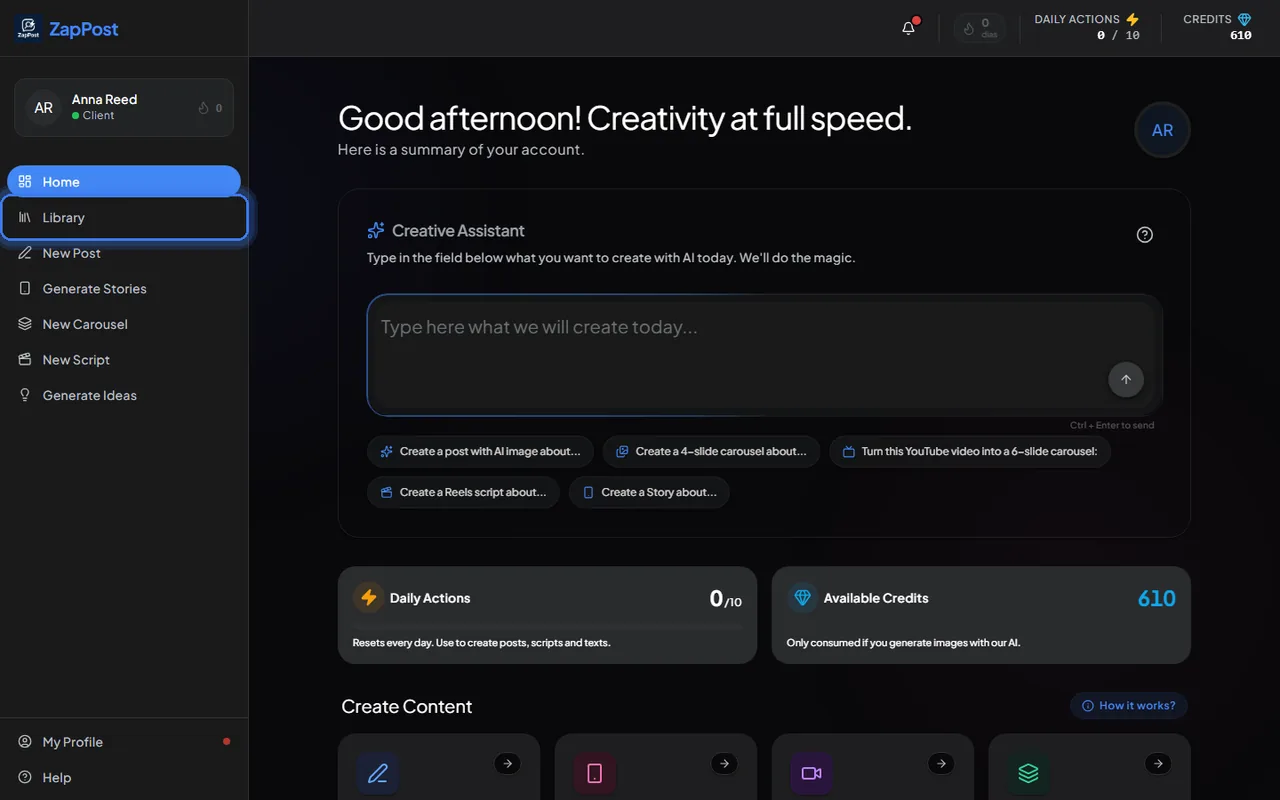
What you can do there
- Search by title or by a word in the text.
- Filter by period (the last 7 days, for example) and by type: post, story, carousel, script or ideas.
- Favorite what you want to find quickly later.
- Reopen any content in “View details”, to copy the caption again, edit the text or download the image.
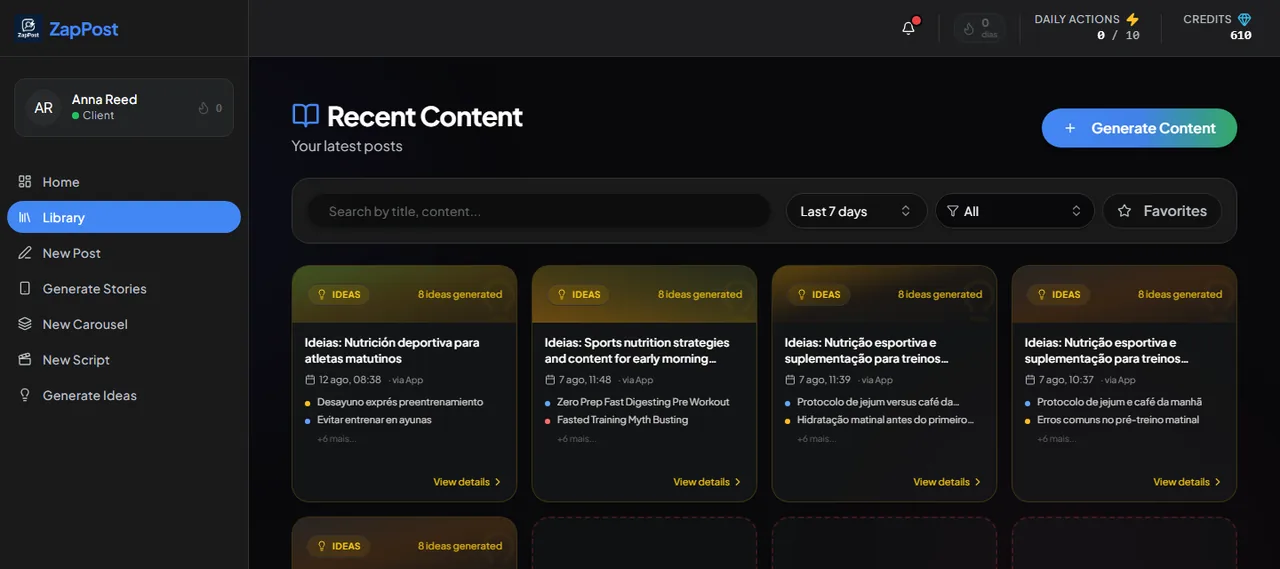
On the home screen too
Scrolling the home screen down to “Recent Content”, you see the latest ones without opening the Library. The “View Full Library” button takes you to the whole list.
The content is kept as long as the account exists, and for 90 days after a cancellation. See can I come back after cancelling.
Answer checked on 31 August 2026.