On the phone
Open studio.zappost.ai in the browser or install the app (see do I need to install any app). On Android, installing it from outside the Play Store can set off a Play Protect notice, which is explained in Android says the app may have a virus. The menu hides behind the button in the top left corner, and each tool follows the same steps as on desktop.
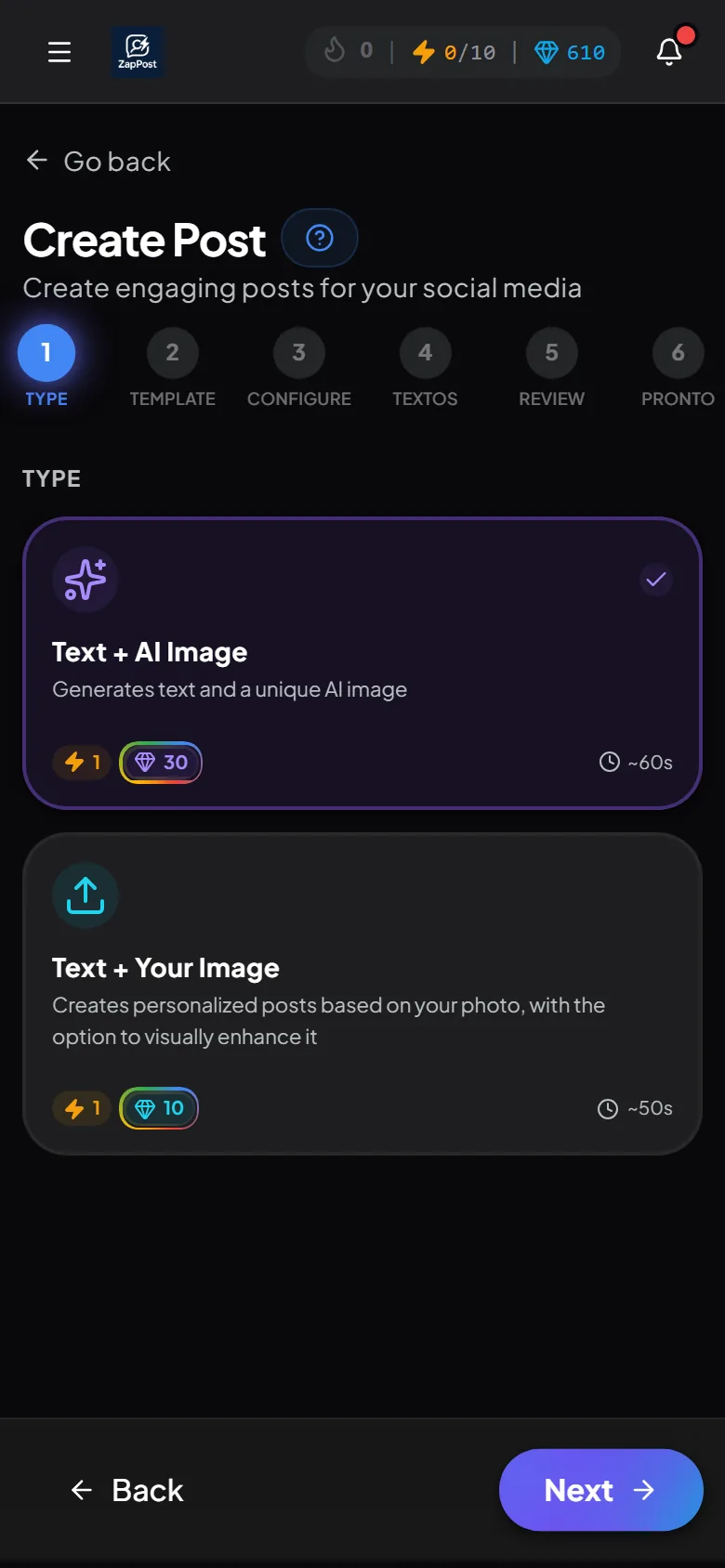
Since the content goes to Instagram, which you use on your phone, many people generate right there: create, copy the caption, save the image and publish without switching devices.
On desktop
Same address, nothing to install. The bigger screen helps when reviewing a carousel with many slides or editing the text of a long script.
What you generate on one device shows up on the other, in the Library.
Answer checked on 12 October 2026.