During creation
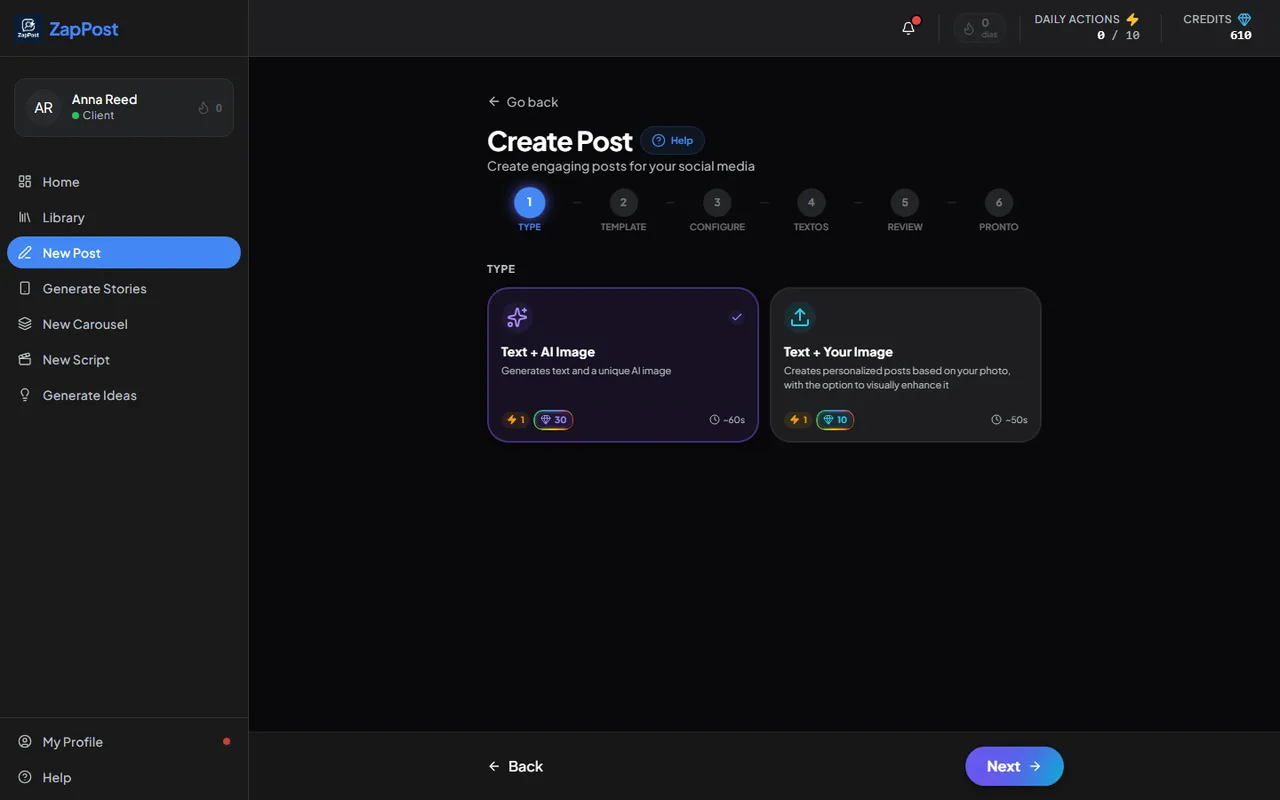
The numbered steps at the top of each tool end in “Review” and “Done”. In the review the text appears in an editable field: fix a term, remove an emoji, swap the CTA, rewrite a whole slide. Only after that is the image generated, so no credits are spent on text you have not approved yet.
After it is done
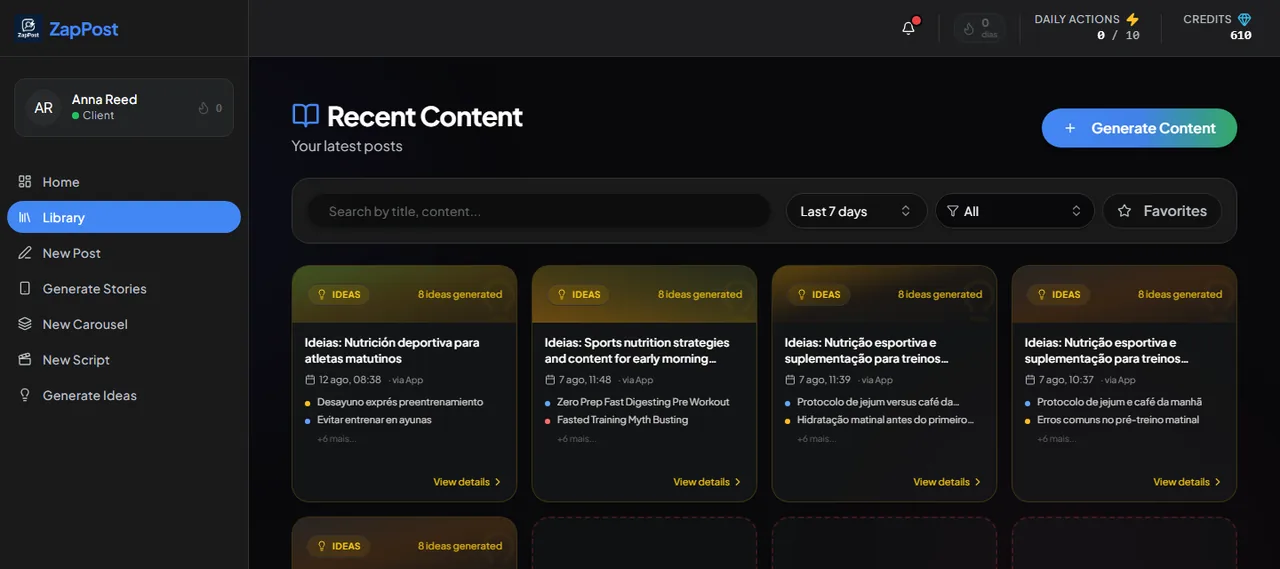
Open the Library, in the left menu, click “View details” on the content and edit. Useful for tweaking an old caption before reposting or for copying it again.
If you keep editing the same thing
That is a sign the profile needs an adjustment. A more casual tone of voice, a forbidden theme, a way of addressing the customer: all of that goes in “My Profile” and applies to every generation from then on. See the content came out generic, what do I do.
Answer checked on 31 August 2026.