Where it is
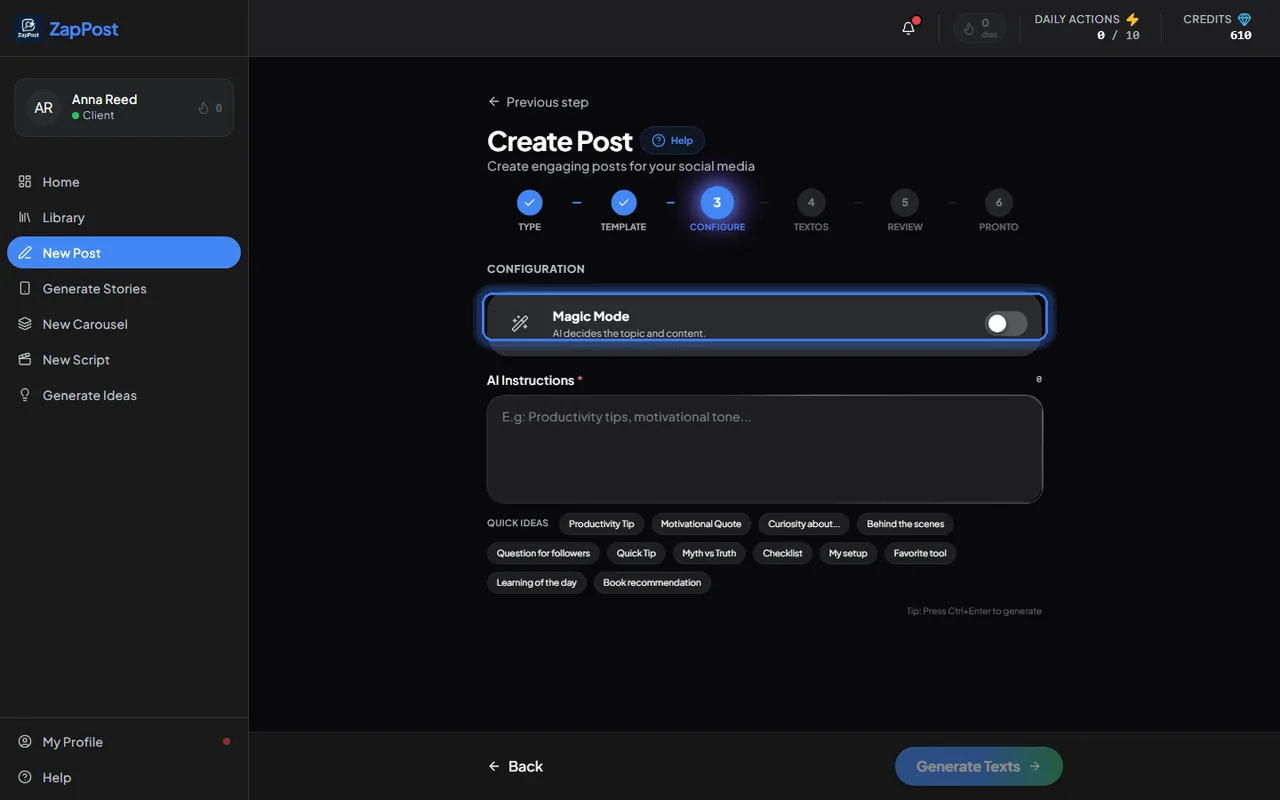
In the “Configure” step of every tool (post, story, carousel, script and ideas), at the top, before the instructions field.
How to use it
- Open the tool and go on until the “Configure” step.
- Turn on Magic Mode.
- Click generate. The AI reads your niche, content pillars, audience and objectives from the profile, picks a theme and writes.
What changes in the result
Only the theme. The tone of voice, the CTA and the style come from the profile just the same. That is why Magic Mode only works well with a filled-in profile: with an empty niche, it picks a theme that fits any business. See how do I set up my business profile.
If you want a nudge without writing the whole topic, use the quick suggestions that appear under the instructions field (“Quick tip”, “Myth vs truth”, “Behind the scenes today”). They fill in the request and you just adjust.
Answer checked on 31 August 2026.