Step by step
- Open studio.zappost.ai/login in the browser, on desktop or on your phone.
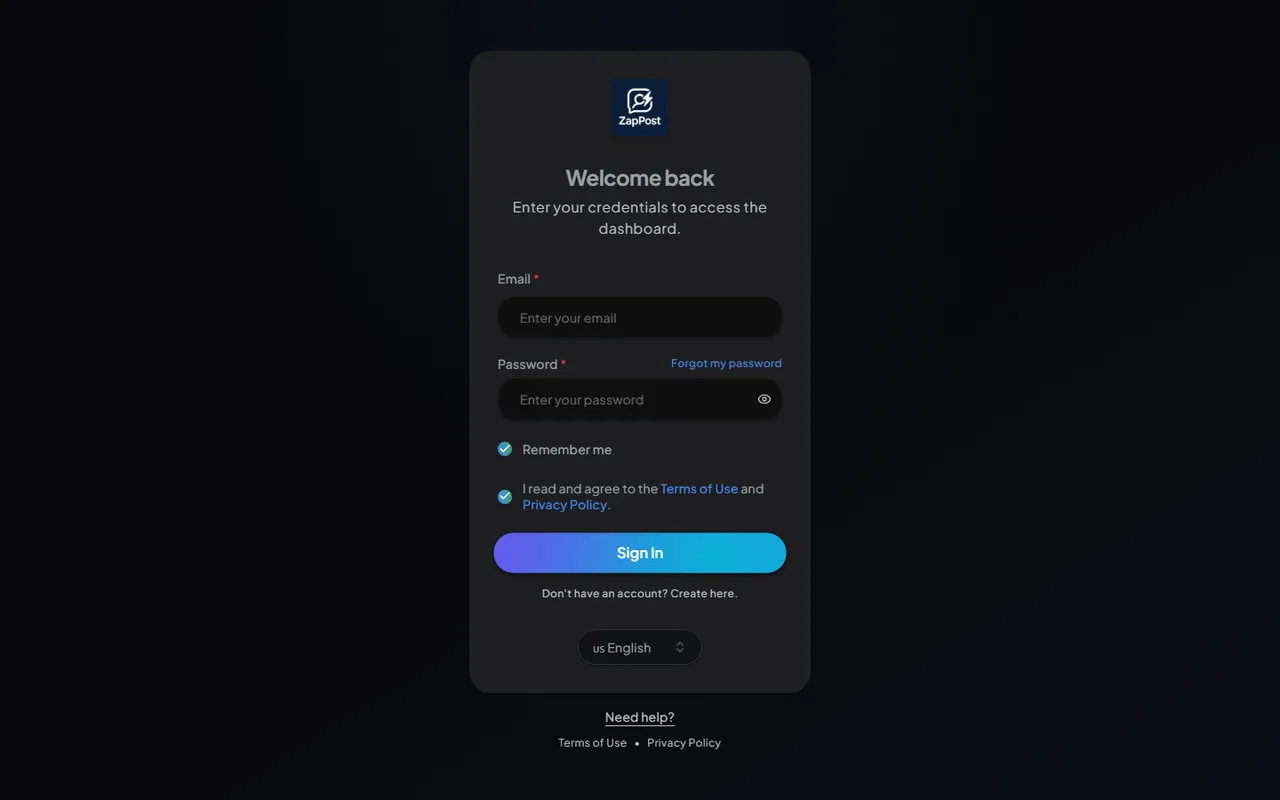
The Studio sign-in screen. - Type the purchase email. It is the same one you used on Hotmart. If you have more than one email, this is the one that counts, even if the access email was forwarded somewhere else.
- Type the password and click “Sign in”.
If it does not let you in
- Forgot the password: click “Forgot my password” on the same screen. The whole path is in I forgot my password, how do I recover it.
- Never received access: see I bought and did not receive access.
- You get in and the screen is blank or frozen: almost always the browser holding an old version. See the screen froze or gave an error.
If none of that solved it, write to [email protected] saying which email you used to buy, and the team checks the account from the inside.
Answer checked on 31 August 2026.