What you find when you log in
Studio lives at studio.zappost.ai and opens in the browser, on desktop or on your phone. You get in with the email you bought with, and if the password does not come to mind you can reset it in I forgot my password. The home screen has a text box, the Creative Assistant, where you type what you want (“make a carousel with 5 hydration tips for oily skin”) and it opens the right tool with your request already filled in.
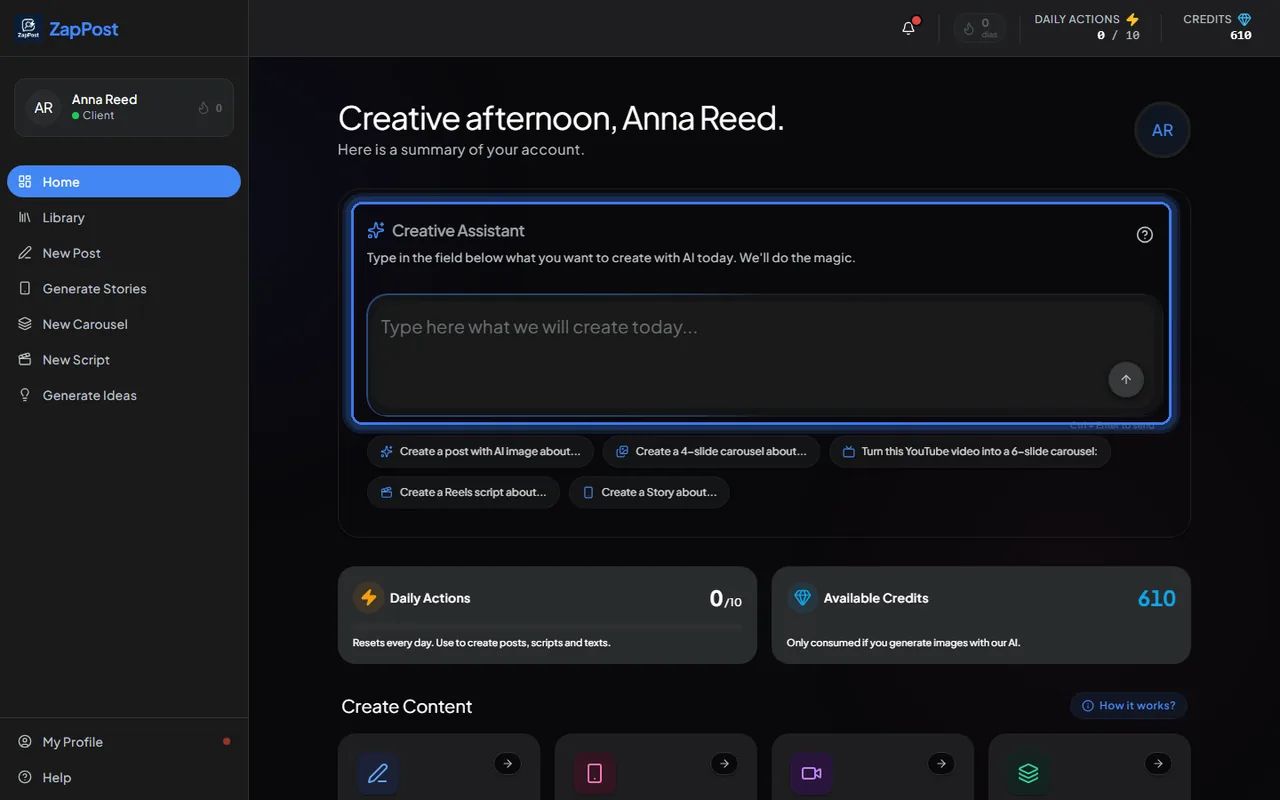
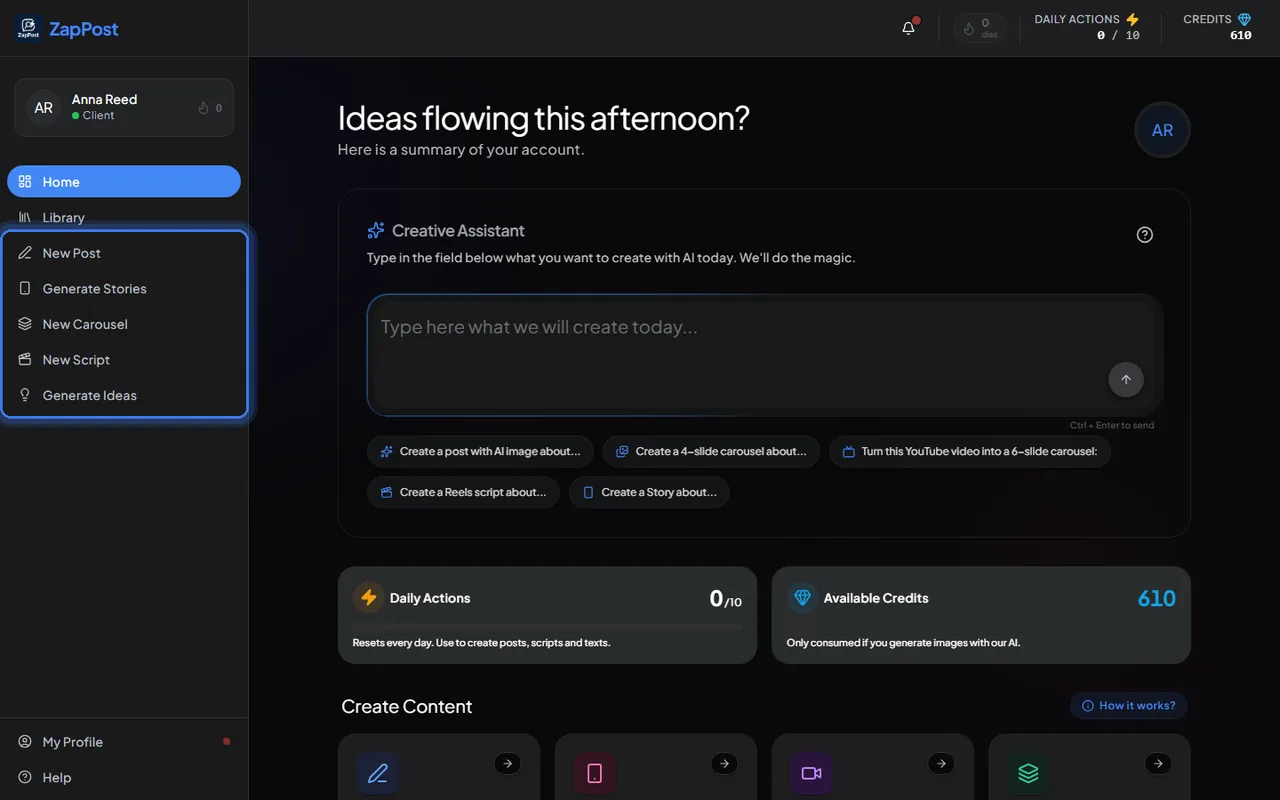
The left menu holds the five tools, each with its own step by step:
- New Post: a complete caption with emojis and hashtags, plus an image generated by the AI or built from a photo of yours.
- Generate Stories: a vertical story with text and image.
- New Carousel: a sequence of slides with text and image on each one, or built from a YouTube video.
- New Script: a short video script with hook, body and CTA, for Reels, TikTok, Shorts and other formats.
- Generate Ideas: a list of topics to post about, free, costing nothing.
How the AI knows your business
Everything Studio generates starts from your business profile: niche, audience, tone of voice, the themes you want and the ones you don’t. You fill it in once, right after the first login, and can adjust it any time in “My Profile”. The more complete the profile, the less generic the content. The step by step is in how do I set up my business profile.
What each thing costs
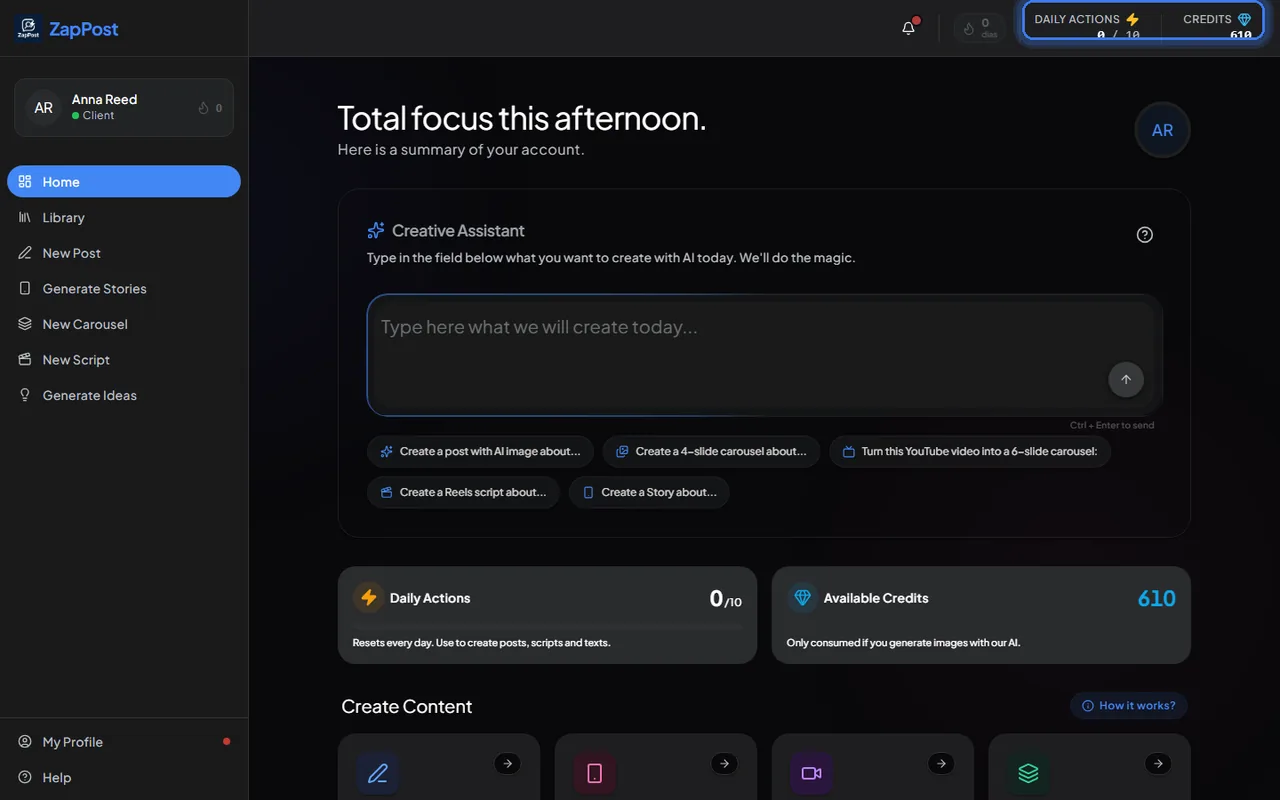
Generating text (caption, script, carousel, ideas) uses one daily action, and your plan releases a number of them every day. Generating an image with AI uses credits. Both balances stay at the top of the screen the whole time. The numbers are in how daily actions and credits work.
Does content arrive on its own?
No. You open Studio and ask for what you want, whenever you want, as many times as the day’s actions allow. Nothing is sent automatically. Everything you have generated stays in the Library, to reopen, copy or download later.
Lost at the start? The live office hours are one hour on video with the team, for customers. Pick a time here.
Answer checked on 12 October 2026.