Step by step
- Click “Generate Stories” and choose the type. “Story with AI Image” creates the story from the topic you give; “YouTube + AI Images” turns a YouTube video into a sequence of Stories.
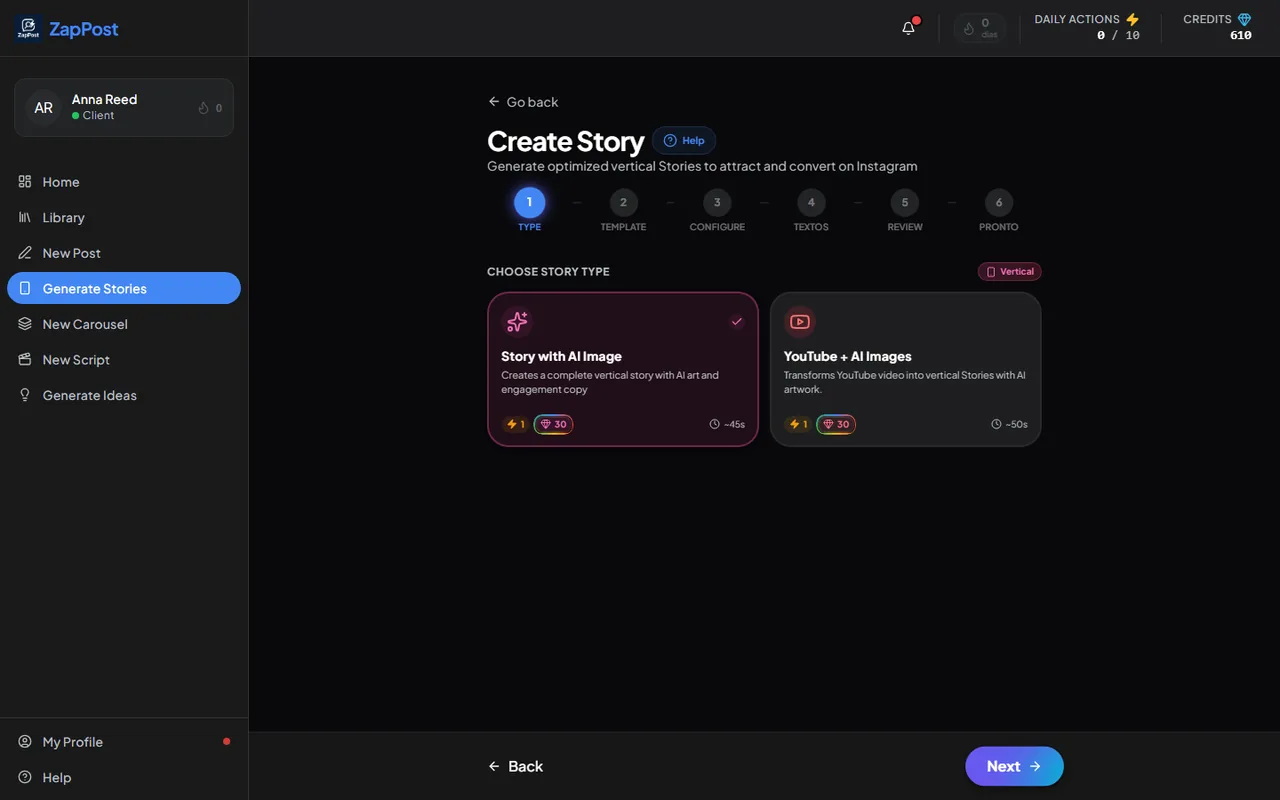
The first step of Stories. Both types use 1 action and 30 credits. - Choose the visual template and go on to “Configure”.
- Say the topic or turn on Magic Mode so the AI picks it from your profile.
- Generate, review the text and download the image. It comes out vertical (9:16), the size of Stories.
Story or Stories script?
They are different things. “Generate Stories” makes the image with text that you publish. If you want a script to record a sequence of Stories talking to the camera, the path is “New Script”, in the “Instagram Stories” format, which costs no credits. See how the Script Generator works.
Answer checked on 31 August 2026.