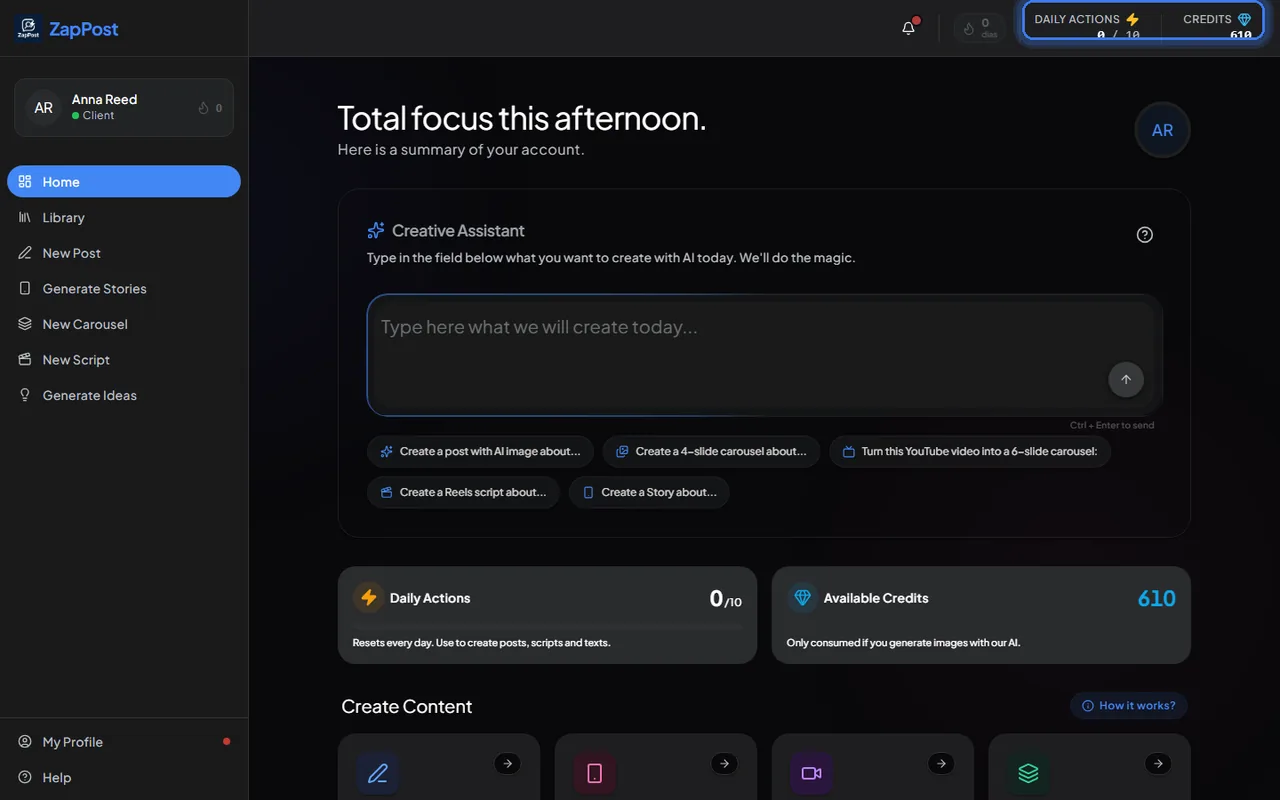
Daily actions
- Each generated text uses one action: a post, a script, a whole carousel, a story.
- Your plan releases a number per day. The counter shows how many you have used and how many you have.
- They reset every 24 hours and do not accumulate. What you do not use today does not carry over to tomorrow.
Credits
- Only spent when the AI generates or adjusts an image. Plain text costs no credits.
- The plan includes an amount per month, and you can buy extra packs any time. See how to buy more credits.
- Credits bought separately never expire.
What each thing costs
| What you generate | Actions | Credits |
|---|---|---|
| Post with AI-generated image | 1 | 30 |
| Post with your photo adjusted by the AI | 1 | 10 |
| Story with AI image | 1 | 30 |
| Carousel with AI images | 1 | 30 per slide |
| Script (any format) | 1 | 0 |
| Ideas | 0 | 0 |
The carousel weighs the most: one with 8 slides and images uses 1 action and 240 credits (30 times 8). To spend less, make shorter carousels or use your photo in posts.
When the day’s actions run out
Studio does not lock. It starts deducting credits instead of the action, at 1 action = 10 credits. A text-only post, which would cost 1 action, costs 10 credits; a post with an AI image costs 40 (10 for the text and 30 for the image). If you do not want that to happen, just wait for the day to reset.
Magic Mode costs the same as a regular generation. See what is Magic Mode.
Answer checked on 31 August 2026.