Using it without installing
Open studio.zappost.ai in any browser and sign in. It is the same account, the same content and the same tools on any device.
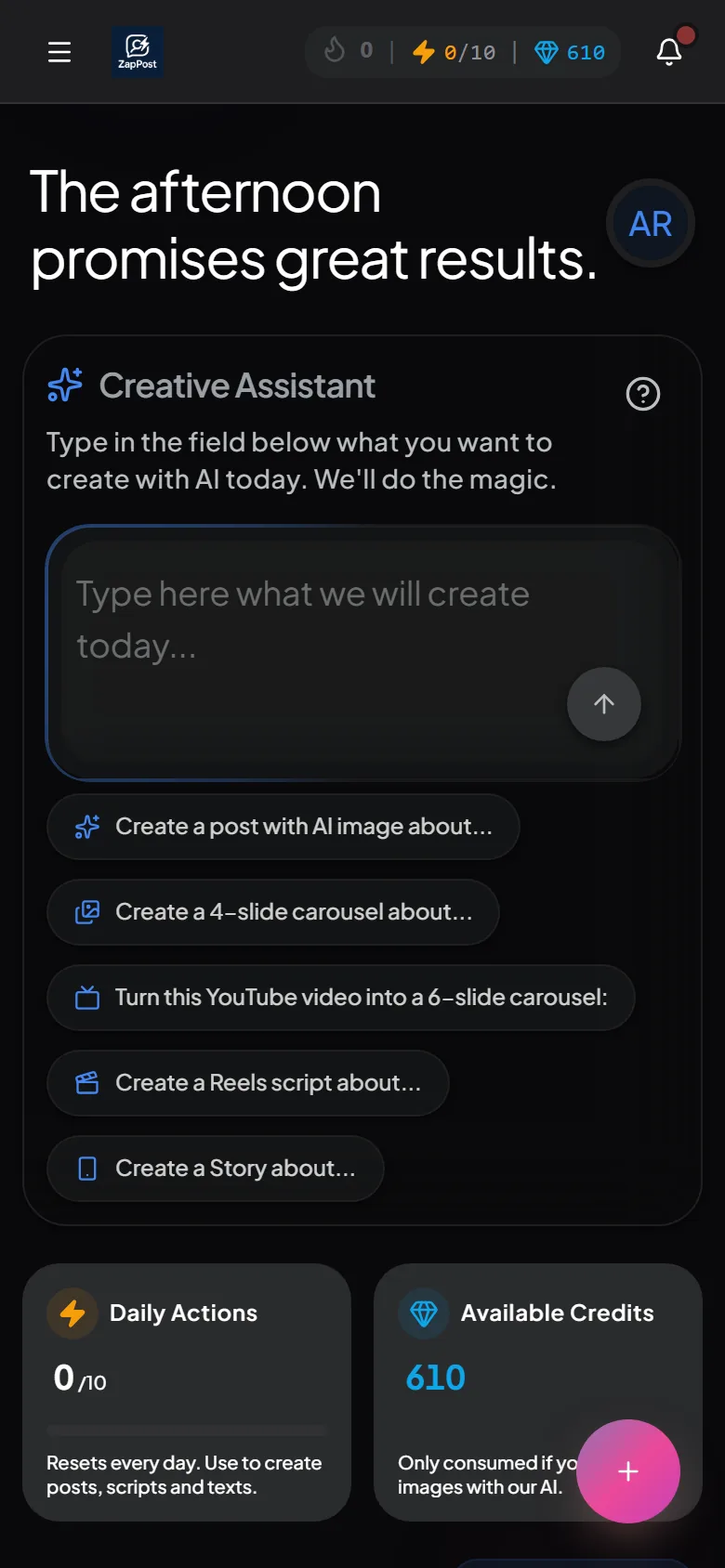
Installing on your phone
- Open studio.zappost.ai in your phone’s browser (Chrome on Android, Safari on iPhone) and sign into your account.
- Accept the install prompt that appears on screen. It installs the app and creates the icon on the home screen.
- If the prompt does not appear, use the browser menu: in Chrome, the three dots and “Install app” (or “Add to Home screen”); in Safari, the share button and “Add to Home Screen”.
After that you open ZapPost from the icon, like any other app, and Studio’s notifications reach your phone. If a screen ever stops responding or shows an error there, what to do when the screen freezes or shows an error lists the first checks.
A virus warning showed up on Android
That is Google Play Protect warning about an app installed outside the store. The app is official and made by our team. It is explained in Android warned the app may have a virus.
Answer checked on 13 October 2026.