Step by step
- Click “Credits”, at the top of the screen, on the right. It also works from the “Buy Credits” button in the “Subscription & Plan” section of your profile.
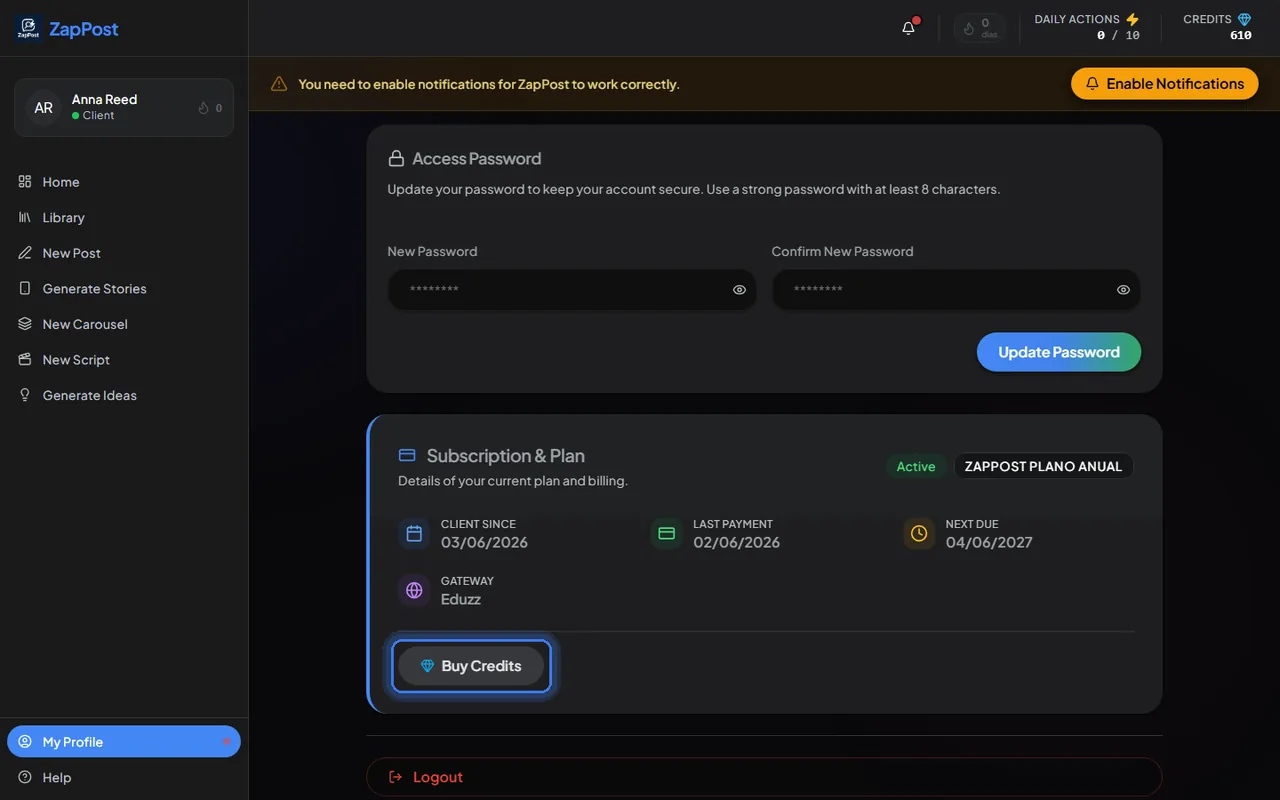
The same button, inside “My Profile”. - Pick the pack and click “Buy Now”. Payment goes through Hotmart, like the subscription.
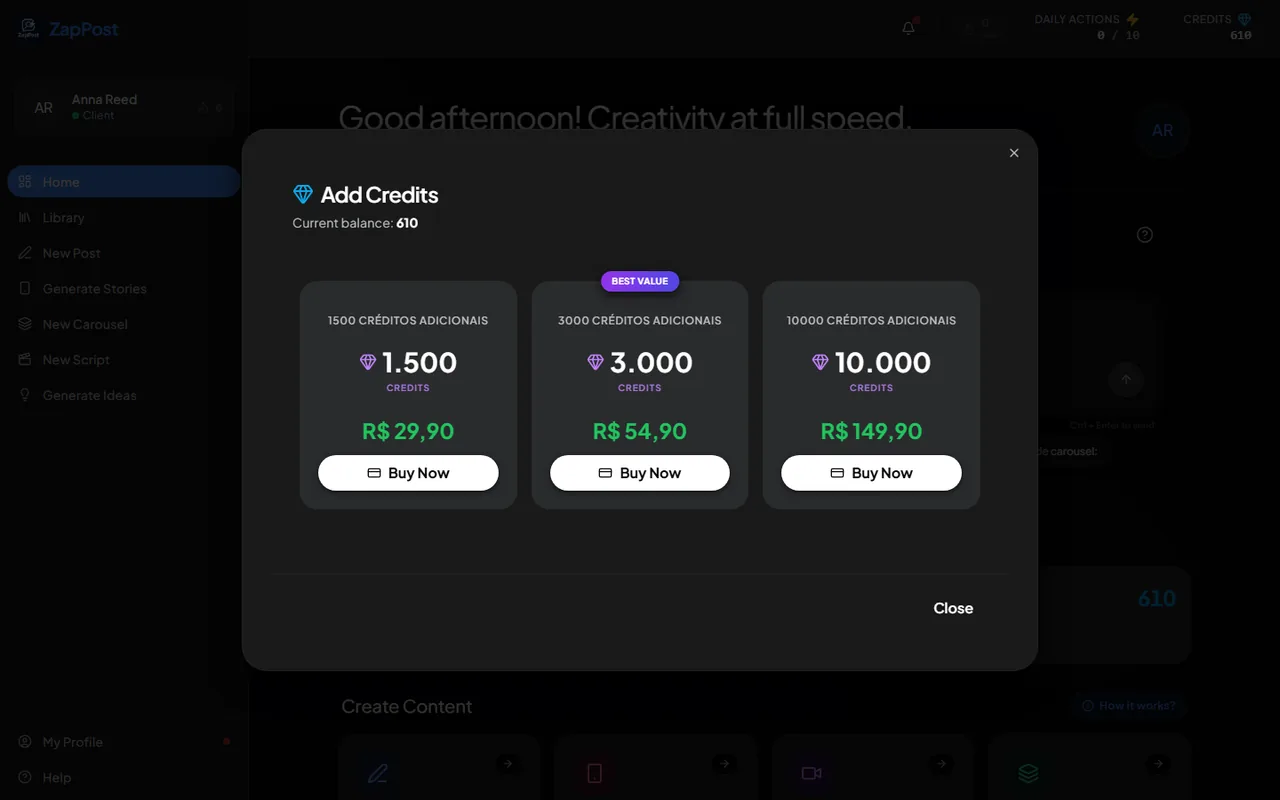
The extra credit packs, with the price of each one. - Go back to Studio. The new balance shows at the top as soon as the payment is approved (on a card, right away).
The packs
There are three sizes, and the price of each shows in the window. Each AI-generated image uses 30 credits, so the smallest pack covers dozens of posts with an image. What costs and what does not is in how daily actions and credits work.
Do I need to buy to keep using it?
No. The plan already includes credits every month, and text (caption, script, ideas) costs no credits at all. The extra pack is for people who generate a lot of images, mainly carousels, which use 30 credits per slide.
Answer checked on 31 August 2026.